SesaMe
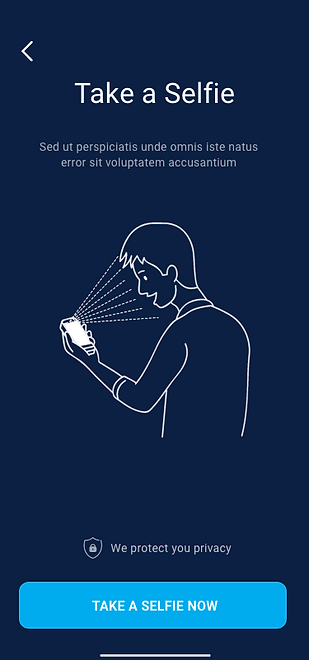
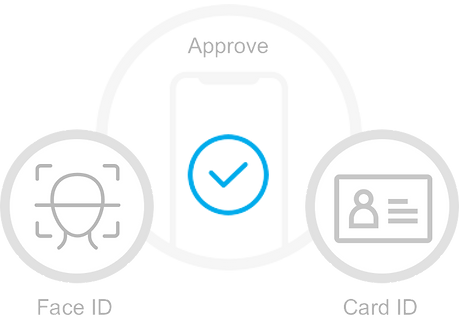
Face ID
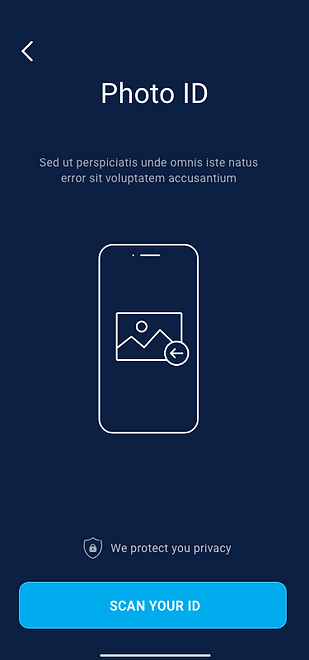
Card ID
Design system
Working as a product designer for AnyVision Interactive Technologies. I worked with product managers and developers across every phase of delivery, from discovery and research to prototyping, design and testing.
Face & Card ID App
SesaMe allows people to quickly verify their identity in any interaction, anywhere and anytime.
Your digital identity powers liveness detection and face recognition, gives you access to your accounts, and lets you open new accounts and connect to online services.
Since the app was already in development without a defined user experience or a clear visual design, I was asked to design it from scratch.


User Research
One product,
two stages
I started my research with a study on the connection between Face Recognition processes and Digital Identity, to understand where the weaknesses are and how to lead the user through a simple, effective process up to identity verification.

Get to know the
competitors
In the initial research, I wanted to understand how other companies deal with a product that consists of two critical processes.
I read studies by competitors already on the market, to learn what process they went through to make their product effective.
The Challenges of Face ID
Companies that provide this sensitive technology need to receive and store a lot of personal information from the user. Many US states and European countries restrict or ban this technology because it may violate human rights.

Secure and private
Companies that use digital identification can hold sensitive and personal information

Trust
Many people don’t trust surveillance systems or commercial companies

Processes
The process that users have to go through takes time and creates frustration
Interviews and insights with product managers
First, an important part of my job was getting to know the process and the team that had worked on the project before.
To prepare for the redesign, I met regularly with the product managers and developers who were involved in this project to understand the difficulties and insights they have within the process.

The interviews helped me understand how the product managers worked with the beta version, and how it went when they presented it and tested it with customers.
User Behavior and Interviews
The second thing I did was contact people in the company who were unfamiliar with the product and asked them to try the beta version, to see where they struggled and where things went smoothly.
At the user behavior discovery stage I realized that it was important to check:
-
How long each user took to complete the process.
-
Whether they had questions along the way.
-
Whether they stopped or left, and at what stage.
-
How safe it felt to enter personal information into the product database.
After the experiment I did user interviews and a survey to better understand the problems.
With the help of my research questions I tried to understand what were the main pain points while using this version, what could have helped them during the process and what were their main concerns.

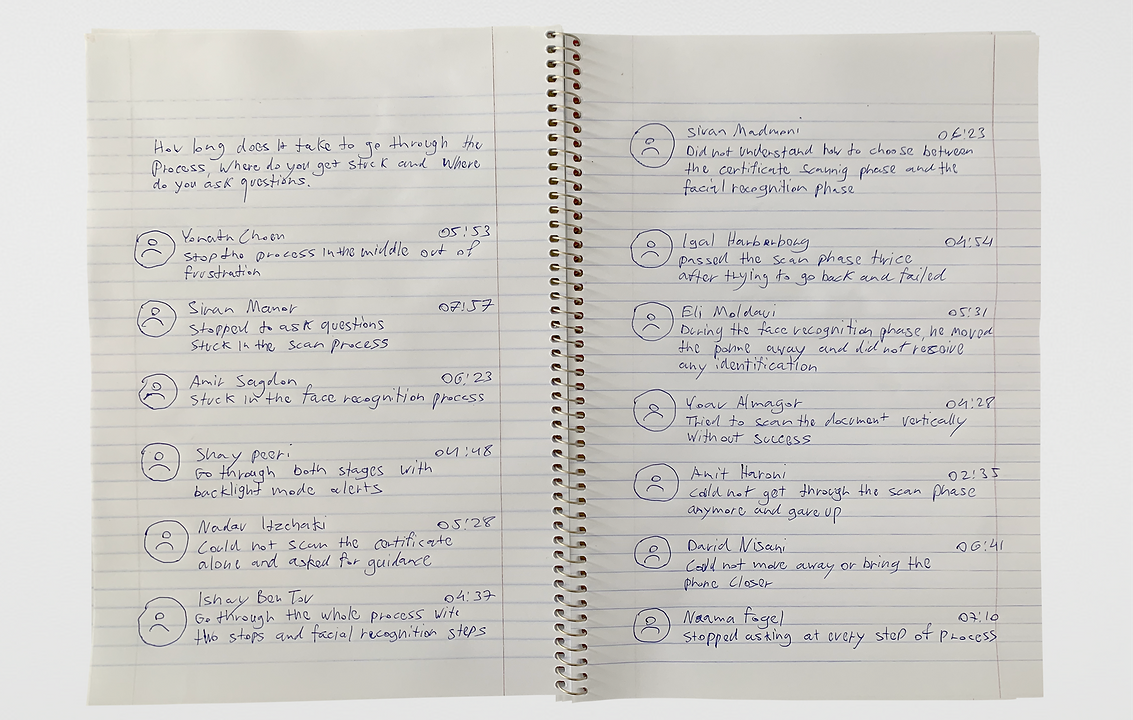
While researching I realized the pain points that were in the beta version. User behavior and interviews with product managers helped me understand the issues and where in the process users struggled most.
Pain Points
Bring issues to the table
-
There is no user feedback.
-
High failure and drop-off rates.
-
Customers are embedding the product and need to change the UI.
-
The overall user experience is poor.
-
There is no data on user behavior for analysis.
The Solution
Give the user feedback
-
Guide the user through the whole process with immediate, clear feedback.
-
Micro-interactions, motion and short action labels lead the user through the scan and the ID liveness check.
-
Let customers customize the product. Keep the design generic, free of any brand identity.
Information Architecture
Building the roots
Based on the interviews and the solution, I filtered and categorized the actions that users need to go through until personal verification and then worked on the optimal user flow chart to help the user in any possible scenario.
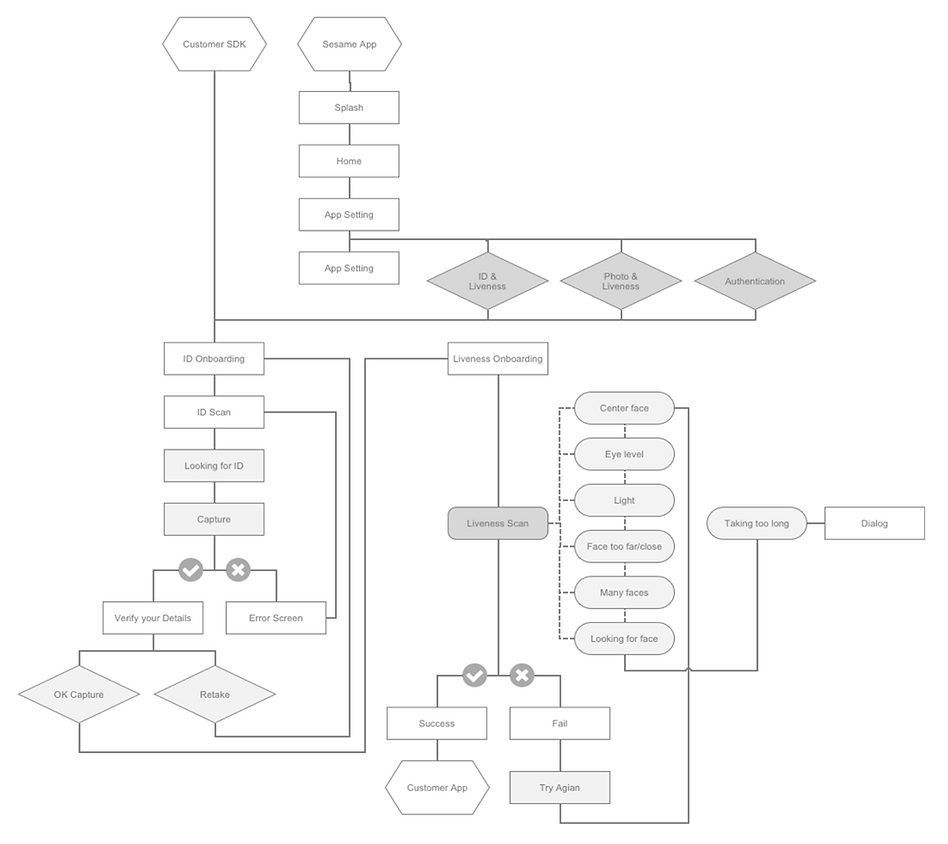
Wireframes & Flows
Visualize the solution
Once I was happy with the flow and a few paper iterations had given me a general idea, I moved to Axure, where it was easier to move things around.
Because the research was extensive, I reached the prototype stage ready, before the design strategy was finalized. I could see how the two parts of the product relate to each other and how a user would reach each part of the app until verification.

The Design
Onboarding App